
Dropping your device in water is one of the most stressful tech accidents. Whether it’s your iPhone falling into the sink, your MacBook getting splashed with coffee, or your Samsung phone slipping into the bathtub, water damage can cause serious issues if not handled quickly.
At Techmate Burnaby, we specialize in water damage phone repair, tablet water damage fix, and MacBook liquid damage repair. The good news is — many devices can be saved if you take the right steps immediately.
This guide will show you what to do after dropping your device in water, what to avoid, and how Techmate can help you get your device back to life.

🌊 Why Water Damage Is So Dangerous
Water and electronics don’t mix. Even a few drops sneaking inside your device can:
- Short-circuit the motherboard.
- Corrode connectors and charging ports.
- Damage the battery (causing swelling or failure).
- Affect the screen and touch sensitivity.
Even if your phone or laptop seems to be working after water exposure, hidden moisture can lead to long-term damage weeks later. That’s why professional water damage repair is so important.
✅ Step-By-Step: What To Do Immediately
1. Power It Off ⚡
If your phone, tablet, or laptop is still on, shut it down immediately.
👉 Keeping it on can fry the circuits inside.
2. Remove Accessories 🔌
- Take off the case and screen protector.
- Remove SIM and memory cards.
- Disconnect chargers, headphones, or USB devices.
- For laptops: unplug from power and remove the battery if possible.
3. Dry the Outside 🧻
Gently blot the surface with a soft cloth or towel.
⚠️ Avoid shaking it or pressing buttons — this can push water further in.
4. Don’t Test It ❌
Resist the urge to “check if it works.” Turning it on too soon is one of the main reasons devices don’t survive water damage.
❌ Common Myths About Water Damage
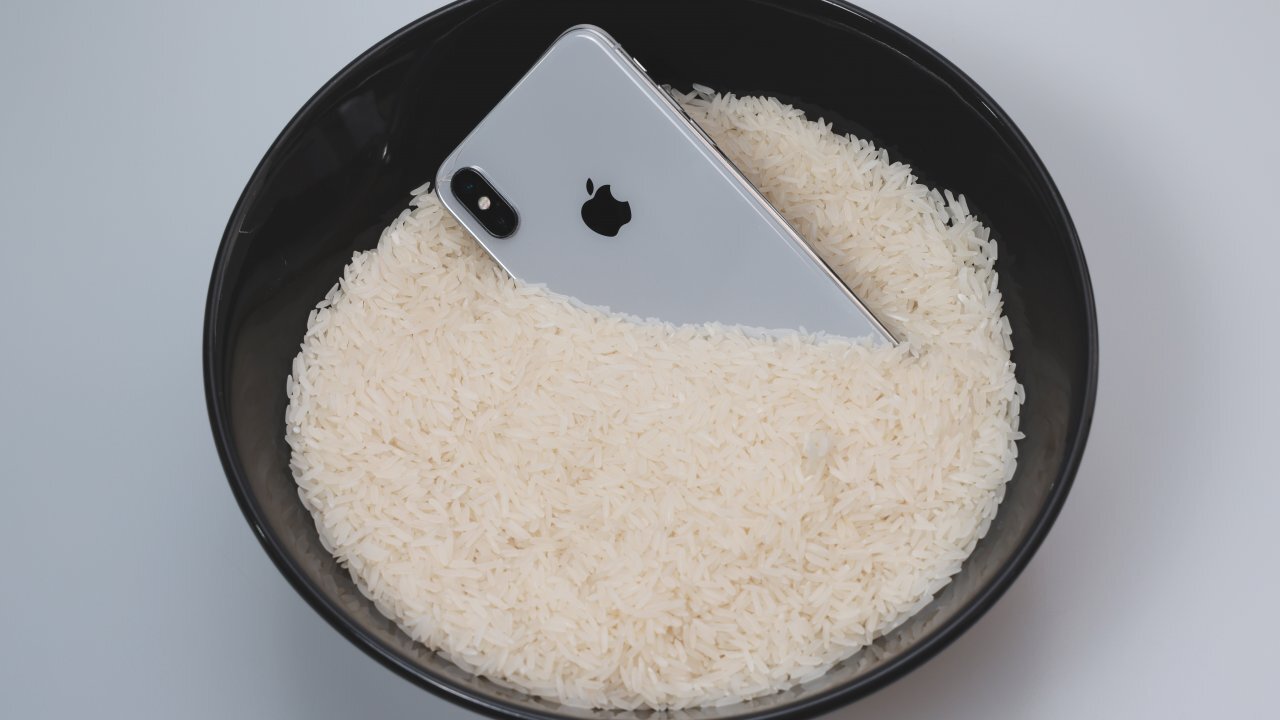
- Myth 1: Put It in Rice 🍚
Rice can’t dry out the internal components. It only gives false hope and may introduce dust inside. - Myth 2: Use a Hair Dryer 💨
Hot air can warp screens, melt seals, or blow moisture deeper. - Myth 3: Put It in the Oven 🔥
Extreme heat = permanent, irreversible damage. - Myth 4: Plug It In to Charge 🔋
Charging while moisture is present can cause sparks and full motherboard failure.
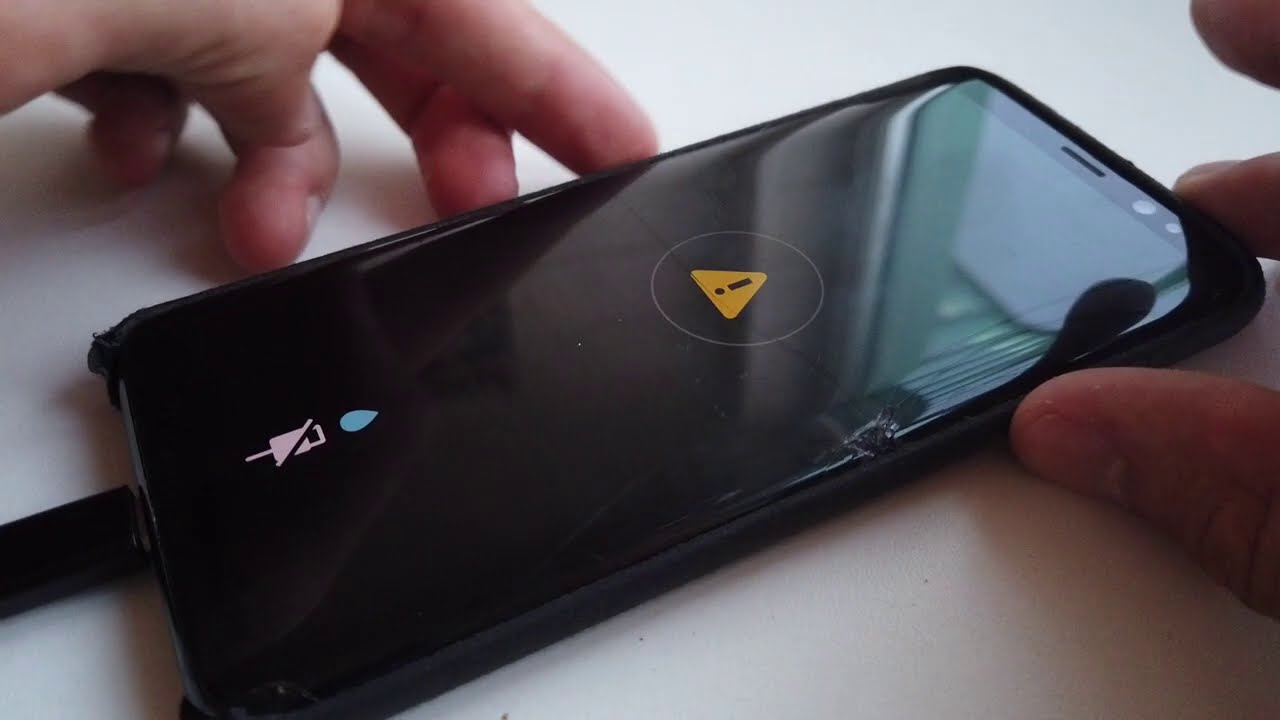
🛠 How Techmate Fixes Water Damage
Even if you’ve dried the outside, water can still hide inside. At Techmate Burnaby, our expert repair process includes:
- Safe disassembly of your device.
- Moisture removal using professional-grade tools.
- Corrosion cleaning on the motherboard and circuits.
- Part replacement if components like batteries or screens are damaged.
- Thorough testing to make sure your device works like new.
💡 Many customers searching for “iPhone water damage repair Canada” or “Samsung phone water damage repair Burnaby” are surprised that we save both the device and the data, which most manufacturer services won’t do.
📱 Devices We Commonly Save
- iPhone water damage repair (all models, including iPhone 13, 14, 15, 16, and 17)
- Samsung phone water damage repair (Galaxy S, Note, A series, etc.)
- Google Pixel & other Android phones
- Tablet water damage fix (Apple iPad, Samsung Tab, Lenovo, etc.)
- MacBook liquid damage repair Burnaby (water, coffee, soda spills)
- Smartwatches & gaming consoles
📊 Techmate vs Apple/Samsung Service
| Service | Techmate Burnaby | Apple / Samsung |
|---|---|---|
| Diagnosis Fee | Often free or very low | $100–$150+ inspection |
| Repair Cost | Starts around $80–$250 depending on damage | $400+ or device replacement only |
| Turnaround Time | Same-day to 2 days | 5–10 business days |
| Data Recovery | ✅ We attempt to save files | ❌ Usually not included |
| Warranty | 6 months on parts | 90 days limited |
💡 How to Prevent Future Water Damage
- Use a water-resistant case if you’re often near pools, kitchens, or outdoors.
- Keep drinks away from your laptop or gaming console.
- Don’t charge devices in humid rooms (like bathrooms).
- Remember: water-resistant ≠ waterproof. Over time, seals wear out, so don’t rely on it completely.

🚀 Final Word
If your device takes an unexpected swim, remember:
- Turn it off immediately.
- Don’t charge or test it.
- Bring it to Techmate Burnaby within 24–48 hours for the best chance of recovery.
At Techmate, we offer fast, affordable, and reliable water damage phone repair Burnaby, iPhone water damage repair Canada, and MacBook liquid damage repair services.
👉 Don’t replace your device — save it with Techmate today!