
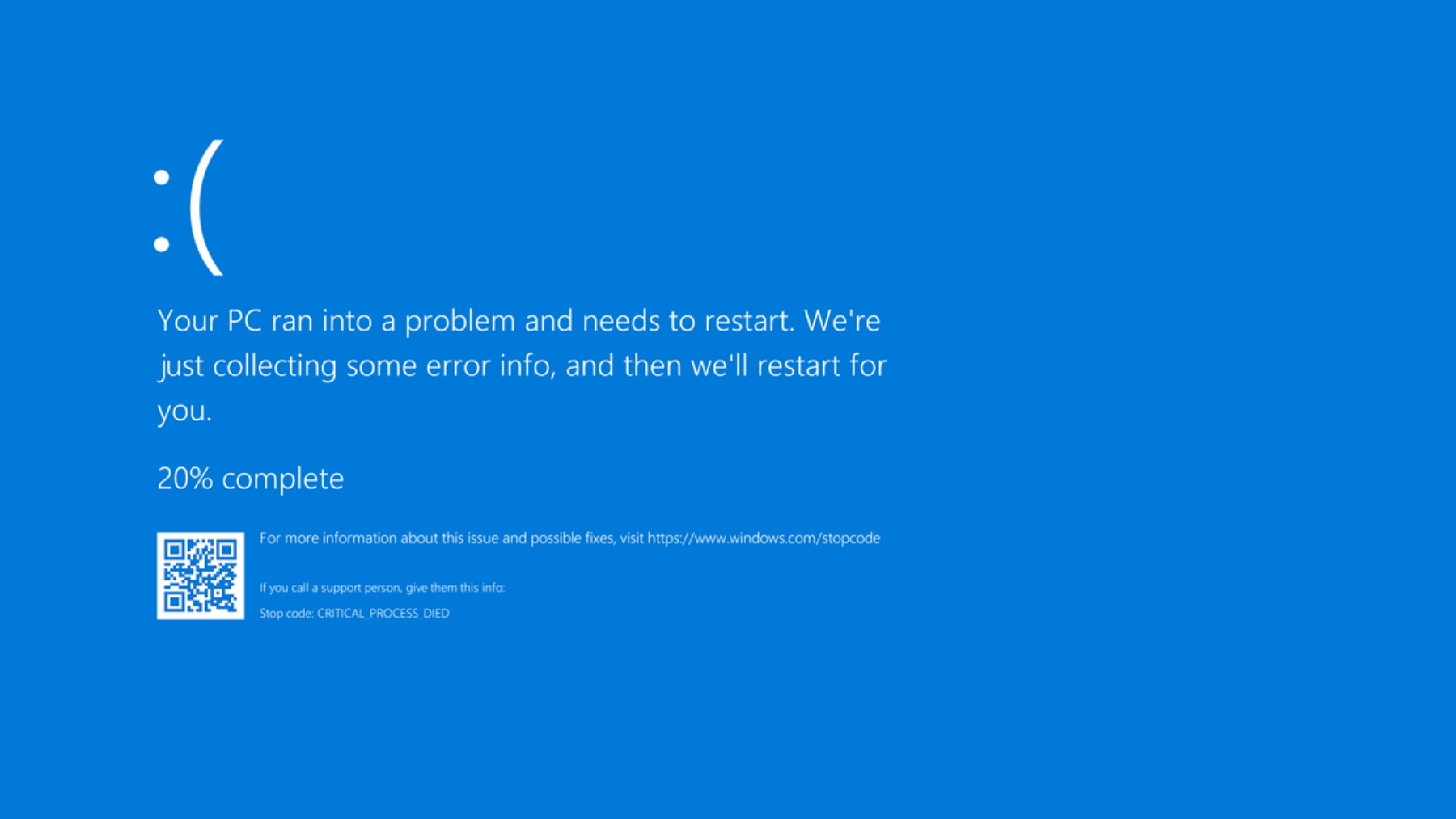
Few things are more alarming than seeing your computer screen suddenly turn blue with strange white text. Known as the “Blue Screen of Death” (BSOD), this error means your Windows system has encountered a critical issue that it can’t recover from without restarting.
At Techmate, we regularly fix laptops and desktops showing blue screen errors. Here’s what you need to know about the cause, prevention, and how our technicians can get your system running again fast.
⚠️ What Is a Blue Screen Error?
A Blue Screen Error (officially known as a Stop Error) occurs when Windows detects a problem it can’t fix automatically. The system shuts down to prevent damage, then displays a blue diagnostic screen showing the error type and code.
While the message looks technical, most causes are hardware, software, or driver-related issues — and all are repairable.
🧠 Common Causes of Blue Screen Errors
- Corrupted System Files
Damaged or missing Windows files can cause instability and system crashes. - Faulty RAM (Memory Issues)
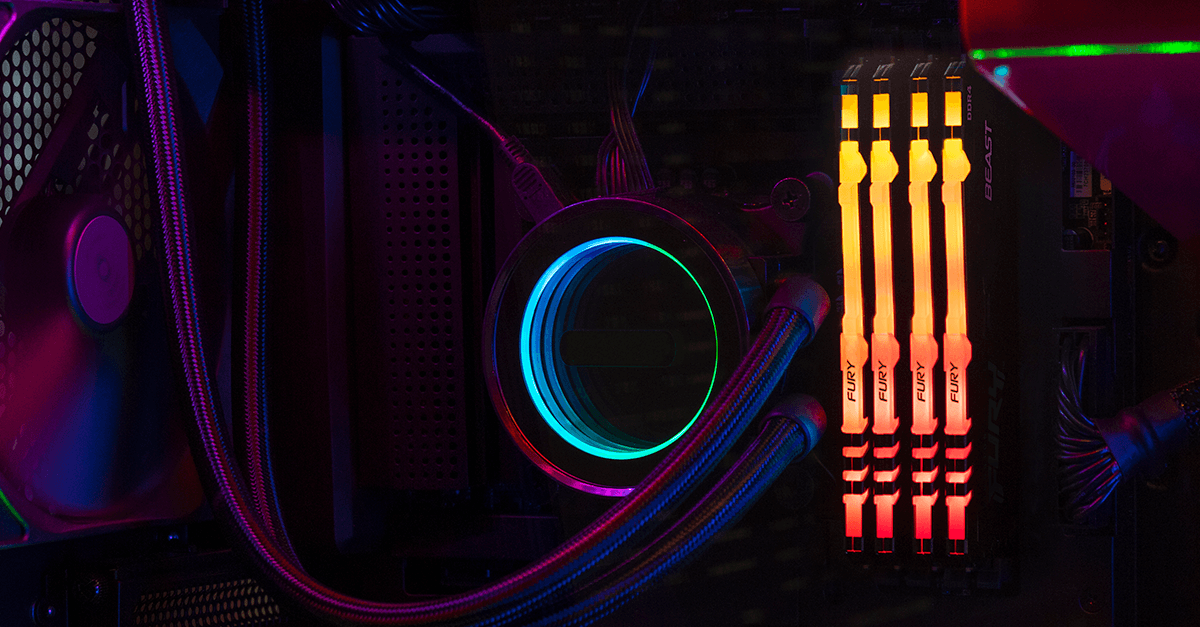
Memory problems are a frequent cause. Even one bad RAM stick can trigger repeated blue screens. - Failing Hard Drive or SSD
A malfunctioning storage drive can corrupt Windows system files and lead to critical stop errors. - Driver Conflicts or Outdated Drivers
Hardware drivers act as a bridge between the OS and components. Outdated or incompatible ones often cause BSODs. - Overheating Components
If your CPU or GPU overheats, your system may shut down to prevent damage. - Power Supply Issues
Inconsistent voltage or a weak power supply can cause system instability. - Recent Hardware or Software Changes
Installing new hardware or buggy software can create conflicts with existing components or Windows itself.
🔍 Common Blue Screen Error Messages
Here are a few examples of blue screen codes you might see:
| Error Code | Meaning |
|---|---|
CRITICAL_PROCESS_DIED | A key Windows process stopped working |
MEMORY_MANAGEMENT | RAM or memory allocation issue |
INACCESSIBLE_BOOT_DEVICE | Windows can’t access the system drive |
SYSTEM_SERVICE_EXCEPTION | Driver or software problem |
DRIVER_IRQL_NOT_LESS_OR_EQUAL | Faulty driver accessing restricted memory |
PAGE_FAULT_IN_NONPAGED_AREA | Hardware, memory, or driver conflict |
If you see any of these, don’t panic — they’re fixable.
🧩 How to Fix a Blue Screen Error (Basic Steps)
If you’re comfortable troubleshooting, try these steps first:
- Restart Your PC
Sometimes, a temporary glitch causes the blue screen. Restarting may resolve it. - Unplug New Hardware
Remove recently added components (USBs, printers, etc.) to rule out conflicts. - Boot in Safe Mode
Safe Mode loads Windows with minimal drivers — a great way to isolate the cause. - Update Drivers
Use Device Manager or Windows Update to refresh all drivers. - Run Windows Diagnostics
- Memory Diagnostic Tool for RAM issues
- CHKDSK or SFC /scannow for system or disk errors
- Check for Overheating
Clean your vents, check fans, and ensure your laptop isn’t running too hot.
If the issue persists — it’s time to get a professional involved.
:max_bytes(150000):strip_icc()/GettyImages-2177944650-2f56f085968343bb9bba608b52e7e58a.jpg)
🛠️ How Techmate Fixes Blue Screen Problems
At Techmate, our certified technicians diagnose and repair all blue screen–related issues — whether software or hardware.
We provide:
- ✅ Full Diagnostic Scan to identify driver, RAM, or storage issues
- 🔧 Hardware Repairs for faulty RAM, drives, or overheating systems
- 💾 Data Backup & Recovery (before reinstalling Windows if needed)
- 🪟 Windows Reinstallation / Optimization for corrupt systems
- ⚙️ Custom PC Health Checks & Cleaning to prevent future issues
We handle all major brands, including Dell, HP, Lenovo, Acer, ASUS, MSI, Apple (Boot Camp), and custom PCs.
📍 Why Choose Techmate?
| Feature | Techmate Advantage |
|---|---|
| Diagnosis | Free or affordable same-day diagnostics |
| Repair Time | Most issues fixed within 1–2 days |
| Warranty | 6-month warranty on all parts & labor |
| Experience | Specialists in both Windows & macOS systems |
| Transparency | No hidden fees – upfront repair quotes |
📍 Burnaby Location: 3908 Hastings St, Burnaby, BC V5C 6C7
📞 (604) 566-3908
📍 Surrey Location: 15355 24 Ave #595, Surrey, BC V4A 2H9
📞 (604) 560-0595
💡 Preventing Future Blue Screen Errors
To keep your system healthy and avoid future blue screens:
- Regularly update Windows and drivers
- Avoid installing unverified software
- Keep your system cool and dust-free
- Run antivirus scans
- Schedule a professional tune-up every 6–12 months
✅ Final Thoughts
A blue screen doesn’t always mean your laptop or PC is dead — it’s a warning sign that something needs attention. Whether it’s a simple software fix or a deeper hardware issue, Techmate has the tools, experience, and expertise to bring your system back to life.
Don’t wait for your PC to crash again — visit your nearest Techmate location for a quick diagnostic and same-day solution.