

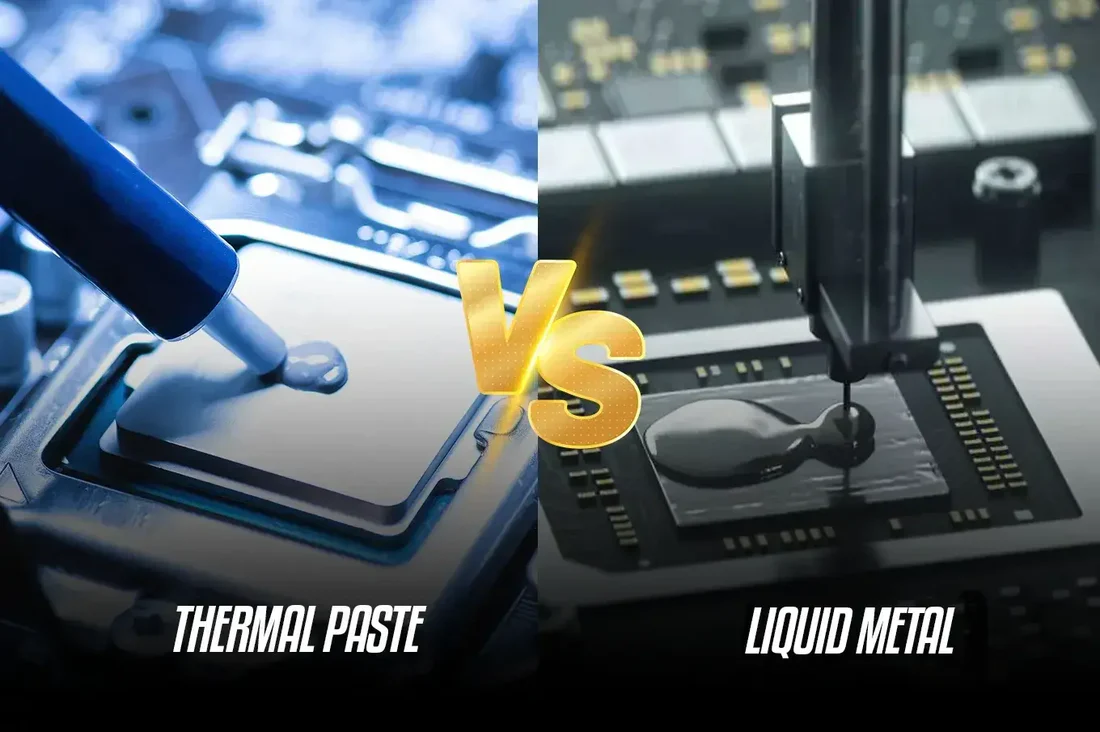
What They Are / Composition
- Thermal Paste: Usually a polymer-based matrix (silicone, urethane, etc.) filled with thermally conductive particles like ceramics (zinc-oxide), metal oxides, or even silver.
- Liquid Metal: Typically a gallium-based alloy (often mixed with indium, tin, etc.) that remains liquid at room temperature.
Advantages
Thermal Paste
- Ease of Application: Easy to apply and spread; low risk of messing up.
- Safety: Many pastes are non-electrically conductive, so spilling won’t short-circuit components.
- Compatibility: Works well with most CPU/GPU heatsinks, including aluminum-based ones.
- Affordable: Much cheaper per gram than liquid metal.
Liquid Metal
- High Thermal Conductivity: Much better heat transfer; can be tens of degrees more efficient under load.
- Longer Effective Lifespan: Doesn’t dry out the same way as paste; can remain effective for a long time if applied correctly.
- Performance for Overclocking / High-End Use: Ideal for high-performance or overclocked systems where cooling margin matters.
Disadvantages / Risks
Thermal Paste
- Lower Thermal Conductivity: Not as good as liquid metal for extreme cooling.
- Degradation Over Time: It can dry out, harden, or pump out over repeated heat-cycles.
- Need Reapplication: Especially for lower-grade pastes or in high-temperature environments.
Liquid Metal
- Electrical Conductivity: Very risky if it spills — can short circuit PCB components.
- Corrosion / Material Compatibility: Reacts with aluminum (can corrode), so you generally need copper or nickel-plated surfaces.
- Application Difficulty: Requires very precise technique; a small mistake can be catastrophic.
- Higher Cost: More expensive (both per gram and in terms of needing careful application).
Maintenance & Lifespan (Life)
- Thermal Paste: Typical reapplication every 2–3 years for many users.
- Liquid Metal: If applied well, it can last 1–2 years or more, depending on usage and whether it’s properly sealed / contained.
- But note: some sources say it can “last indefinitely” if conditions are ideal.
- Over time, liquid metal may alloy or be absorbed into copper surfaces, which can slightly reduce its volume or performance.
Price / Cost
Here are some real-world product examples:
- Thermal Grizzly Conductonaut (Liquid Metal): premium liquid-metal solution.
- Generic 1 g Liquid‑Metal Thermal Paste: around US$ 15.99 (example).
- Thermal Grizzly Kryonaut (Thermal Paste): very high-performance paste.
- Arctic MX‑4 Thermal Compound: affordable, reliable paste.
According to sources, liquid metal can cost $10–$20 per gram, while regular thermal paste is $1–$4 per gram for many options.
Use Cases / When to Use Which
- Thermal Paste is great for:
- Regular desktops / laptops
- Non-overclocked CPUs/GPUs
- Users who want reliability + low risk
- Builds with aluminum heatsinks or budget builds
- Liquid Metal is ideal for:
- High-performance / overclocked CPUs or GPUs
- Systems where every degree matters (e.g., gaming rigs, workstations)
- When you have a copper or nickel-plated cooler base
- Advanced users or people who don’t mind the risk & complexity
How Much to Use (“Amount to Use”)
- For thermal paste, the general rule: a pea-sized dot (or small “X”) on the CPU is often enough. When you mount the heatsink, it spreads to a thin even layer.
- For liquid metal, you need a very thin, even layer. Because its thermal conductivity is so high, even a small amount is enough. Too much can cause overflow, which is dangerous.
- When applying liquid metal, many people use very fine applicators (brush, micro-spatula) and sometimes mask off nearby components to prevent leaks/spills.

Do You Need a Professional?
- Thermal Paste: Not generally. Easy enough for most users / DIYers.
- Liquid Metal: Strongly recommended to have professional or very experienced person do it. Because of:
- Its electrical conductivity (risk of shorts)
- Potential for corrosion if incompatible surfaces
- Complexity of applying just the right amount without mess
If done wrong, liquid metal can damage your components.
Advantages Summary (Side-by-Side)
| Feature | Thermal Paste | Liquid Metal |
|---|---|---|
| Thermal Conductivity | Moderate | Very High |
| Price | Low-Medium | Medium-High (per gram) |
| Safety / Risk | Low (usually non-conductive) | High (electrically conductive, corrosive) |
| Lifespan | Needs reapplication every few years | Longer, but depends on application & surfaces |
| Maintenance | Simple | Requires care, hard to reapply cleanly |
| Best Use Case | Everyday PCs, novice builds | High-performance, overclocking, pro use |

Key Recommendations for Your Audience (Techmate Angle)
- Explain to your customers that for most repair jobs or regular builds, thermal paste is sufficient and safe.
- But for performance-focused clients (gamers, overclockers), you can offer a “liquid-metal re-paste” service, clearly stating the risks and benefits.
- Educate customers on the importance of proper application and cleaning: if old TIM is left, it can reduce cooling efficiency.
- Offer regular maintenance plans: e.g., “We reapply thermal paste / check liquid metal every 1-2 years for optimal performance.”