
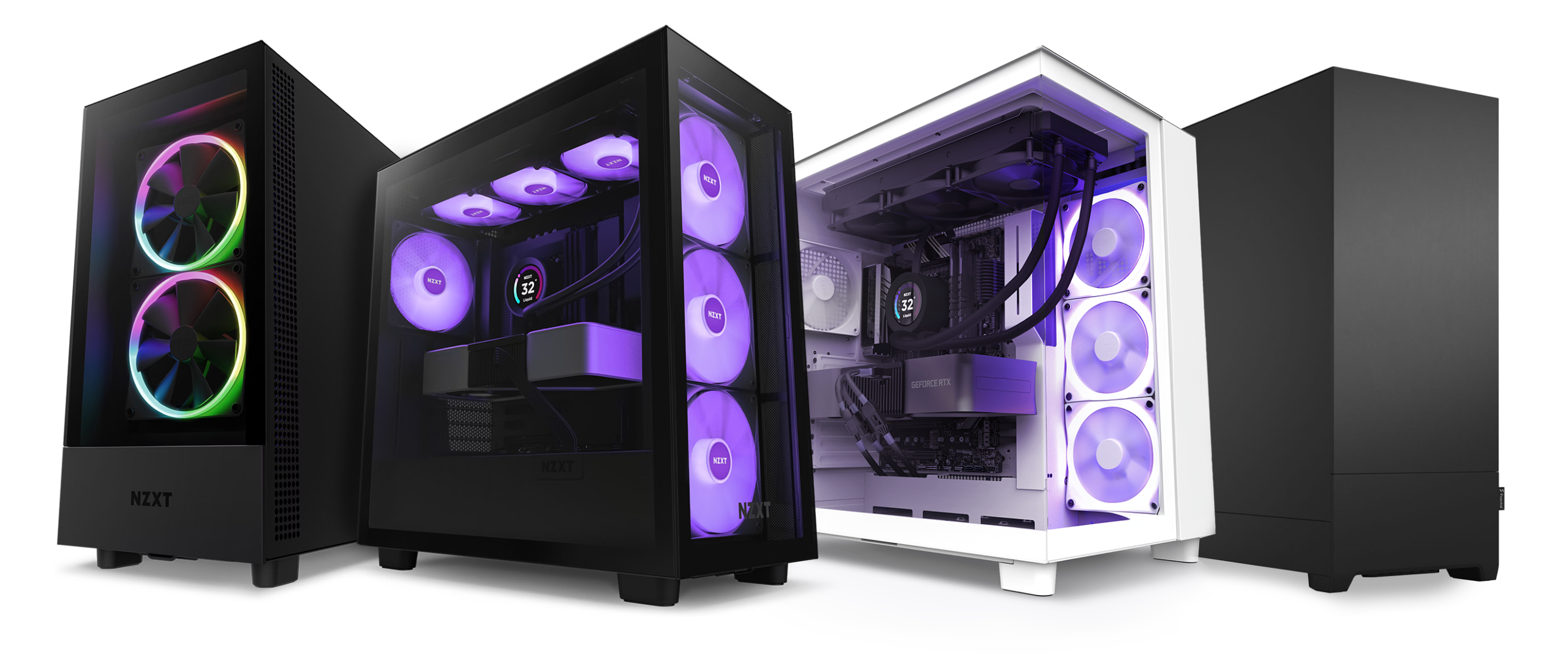
Building a custom PC can be an exciting yet overwhelming experience, especially if it’s your first time. Whether you’re looking to build a high-performance gaming rig, a workstation for video editing, or a simple PC for everyday tasks, the right components and planning make all the difference. In this guide, we’ll cover everything you need to know about building a custom PC.
Why Build a Custom PC?
A custom-built PC offers several advantages over pre-built systems:
- Performance Optimization – Choose components that match your needs, whether it’s for gaming, content creation, or business use.
- Upgradeability – Easily swap out parts in the future without replacing the entire system.
- Cost Efficiency – Get better value for your money by selecting only the parts you need.
- Aesthetic Customization – Create a unique build with RGB lighting, custom cooling solutions, and personalized case designs.
Essential Components for a Custom PC Build
1. Processor (CPU)
The CPU acts as the brain of your computer. Choose a processor based on your needs:
- Gaming & General Use: AMD Ryzen 5 / Intel Core i5
- High-Performance Gaming & Streaming: AMD Ryzen 7-9 / Intel Core i7-i9
- Professional Workstations: AMD Threadripper / Intel Xeon
2. Motherboard
The motherboard determines compatibility with your CPU, RAM, and other components. Ensure it supports your processor and has the necessary features like Wi-Fi, Bluetooth, and expansion slots.
3. Memory (RAM)
- 8GB – Basic computing
- 16GB – Gaming and multitasking
- 32GB+ – High-end gaming, content creation, and heavy multitasking
4. Storage (SSD/HDD)
- SSD (Solid State Drive) – Faster boot times and performance. Recommended for OS and frequently used applications.
- HDD (Hard Disk Drive) – Cost-effective for mass storage.
- NVMe SSD – Ultra-fast storage for gaming and professional workloads.
5. Graphics Card (GPU)
A GPU is crucial for gaming, video editing, and 3D rendering.
- Entry-Level: NVIDIA GTX 1660 / AMD RX 6600
- Mid-Range: NVIDIA RTX 3060-4070 / AMD RX 6700-7800
- High-End: NVIDIA RTX 4080-4090 / AMD RX 7900 XT/XTX
6. Power Supply Unit (PSU)
Choose a PSU with enough wattage to support your components:
- 500W-650W – Basic builds
- 750W-850W – High-performance gaming
- 1000W+ – Enthusiast-level systems
7. Cooling System
Proper cooling ensures system longevity and performance.
- Air Cooling – Budget-friendly and efficient for most builds.
- Liquid Cooling – Ideal for high-performance systems and overclocking.
8. PC Case
Choose a case that fits your components and provides good airflow. Consider aesthetics, cable management, and ease of assembly.
Step-by-Step Guide to Building Your PC
- Prepare Your Workspace – Have a clean, static-free area with all tools ready.
- Install the CPU & RAM – Attach the CPU to the motherboard and install RAM modules.
- Mount the Motherboard – Secure it inside the case.
- Install the Power Supply – Connect cables carefully.
- Add Storage Drives – Secure SSDs/HDDs in their designated slots.
- Install the Graphics Card – Ensure it’s firmly seated in the PCIe slot.
- Connect Cables & Peripherals – Organize wiring for a clean setup.
- Power On & Install OS – Boot up, install Windows/Linux, and update drivers.
Custom PC Build Services at Techmate
At Techmate, we specialize in custom PC builds tailored to your needs. Whether you’re a gamer, content creator, or professional, we help you select the best components and assemble a system that meets your budget and performance requirements.
Why Choose Techmate?
✅ Expert Consultation
✅ High-Quality Components
✅ Professional Assembly & Testing
✅ Warranty & Support
Ready to build your dream PC? Visit Techmate today or contact us for a free consultation!